
TriageCloud
Your GPUs. Your brand. Your cloud.
TriageCloud turns an organisation's own GPU servers into a self-service private AI cloud. Teams get an 8-GPU server, a running LLM endpoint or a multi-server training cluster through a web portal in minutes, without raising a ticket.
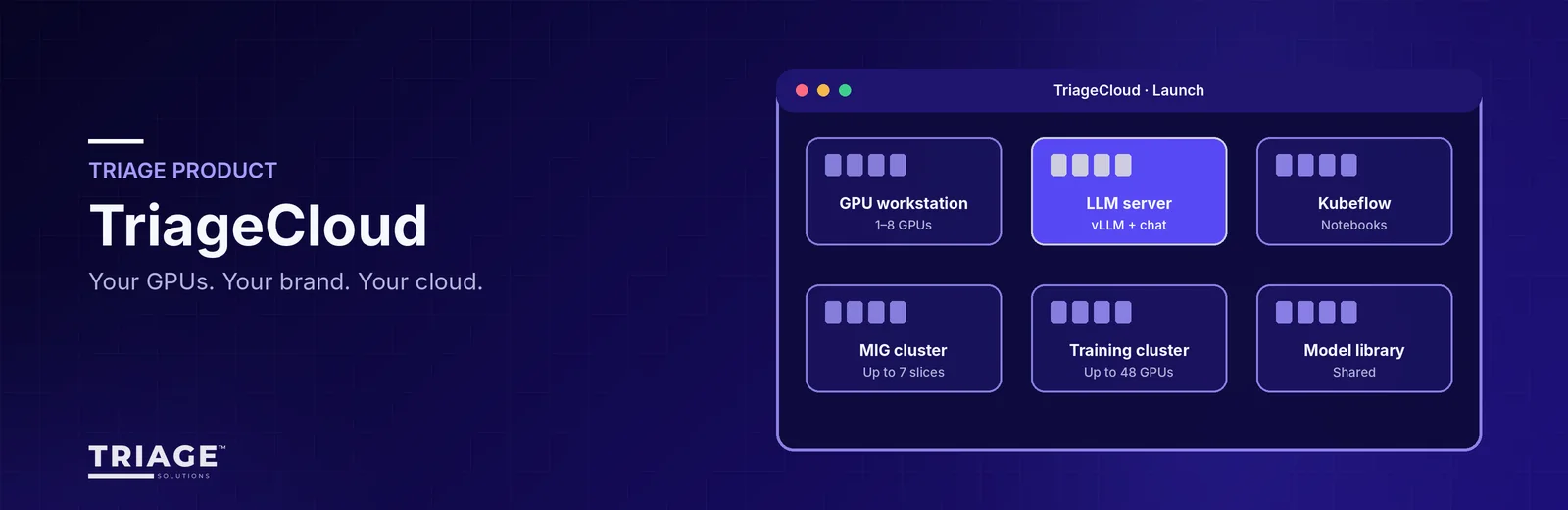
Your GPUs. Your brand. Your cloud.
Organisations that buy GPU servers often find that only a few experts can use them. Every request for a GPU machine, a model endpoint or a training cluster becomes a ticket for the infrastructure team, GPUs sit idle between projects, and nobody can see who is using what. Public cloud solves the self-service problem but sends sensitive data and models outside your control.
- Researchers and developers get GPUs in minutes, without tickets
- Higher GPU utilisation through quotas, slicing and release
- Data, models and keys stay on your own hardware
- One branded platform the whole organisation can use
Everything in TriageCloud.
GPU compute
- Whole-GPU flavours from 1 to 8 GPUs by PCI passthrough
- NVLink and NVSwitch inside each 8-GPU server for fast multi-GPU work
- MIG slicing of a GPU into up to seven isolated instances
- GPU workstations with CUDA and drivers ready to use
AI services
- One-click LLM server with vLLM and a chat interface
- OpenAI-compatible API for internal applications
- Central model library, so models are downloaded once
- Kubeflow with JupyterLab, VS Code and RStudio notebooks
Distributed training
- Multi-server training clusters in fixed sizes up to 48 GPUs
- High-speed RDMA (RoCE) fabric between servers
- Built-in tools to test the fabric and watch GPU use
- Shared storage mounted on every node
Self-service cloud
- Web portal with projects and quotas per team
- Networks, routers, security groups and public IPs created by users
- Template catalogue that builds a full environment in one step
- Live topology view of each project
Storage and data
- Replicated block storage for every VM
- Shared NAS volumes across machines and clusters
- Volume types that combine fast and large storage
- Snapshots and backups
Control and operations
- Runs on your hardware under your brand
- Works on air-gapped sites with offline images and models
- Role-based access per project
- Safe power-down, start-up and recovery procedures
From first click to result.
Sign in
Users sign in with a company account and work inside their team's project and quota.
Choose a template
GPU workstation, LLM server, Kubeflow, MIG cluster or distributed-training cluster, with a few fields to fill in.
Launch
The platform creates the network, machines, storage and access in one step and reports when it is ready.
Work
Connect by SSH, notebook or the chat interface. Data lives on block storage, shared NAS and the model library.
Release
Delete the environment when the work is done, so the GPUs return to the pool for the next team.
Built in layers, run as one.
- Deployment
- On your hardware, in your data center or colocation
- GPUs
- NVIDIA data-center GPUs with passthrough and MIG
- Instance sizes
- 1, 2, 4 or 8 GPUs per machine; clusters up to 48 GPUs
- Networking
- Self-service virtual networks; RoCE for multi-server training
- Storage
- Replicated block storage, shared NAS, model library
- Access
- Web portal, SSH, notebooks, OpenAI-compatible API
- Connectivity
- Online or fully air-gapped
- Delivery
- Platform subscription with updates and support
Enterprises, AI start-ups, research labs, universities and data-center operators with their own GPU infrastructure.
Frequently asked.
Do we need to buy new hardware?
Not necessarily. We assess your existing GPU servers, network and storage and tell you what can be reused before recommending anything new.
Can it run without internet access?
Yes. Images, containers and models are staged offline, so sites with no internet connection can still launch clusters and model servers.
Does our data leave our premises?
No. TriageCloud runs on your hardware, and data, models and keys stay inside your environment.
Who runs it day to day?
Your team can run it with our runbooks and training, or we can operate it for you under a managed-service agreement.
Ready to move fast on AI, without losing control?
Start with a free discovery session. We'll map your priorities, risks and quick wins, and come back with a clear plan.